

How to Migrate a Website Without Losing Google Rankings
Super Admin · Admin
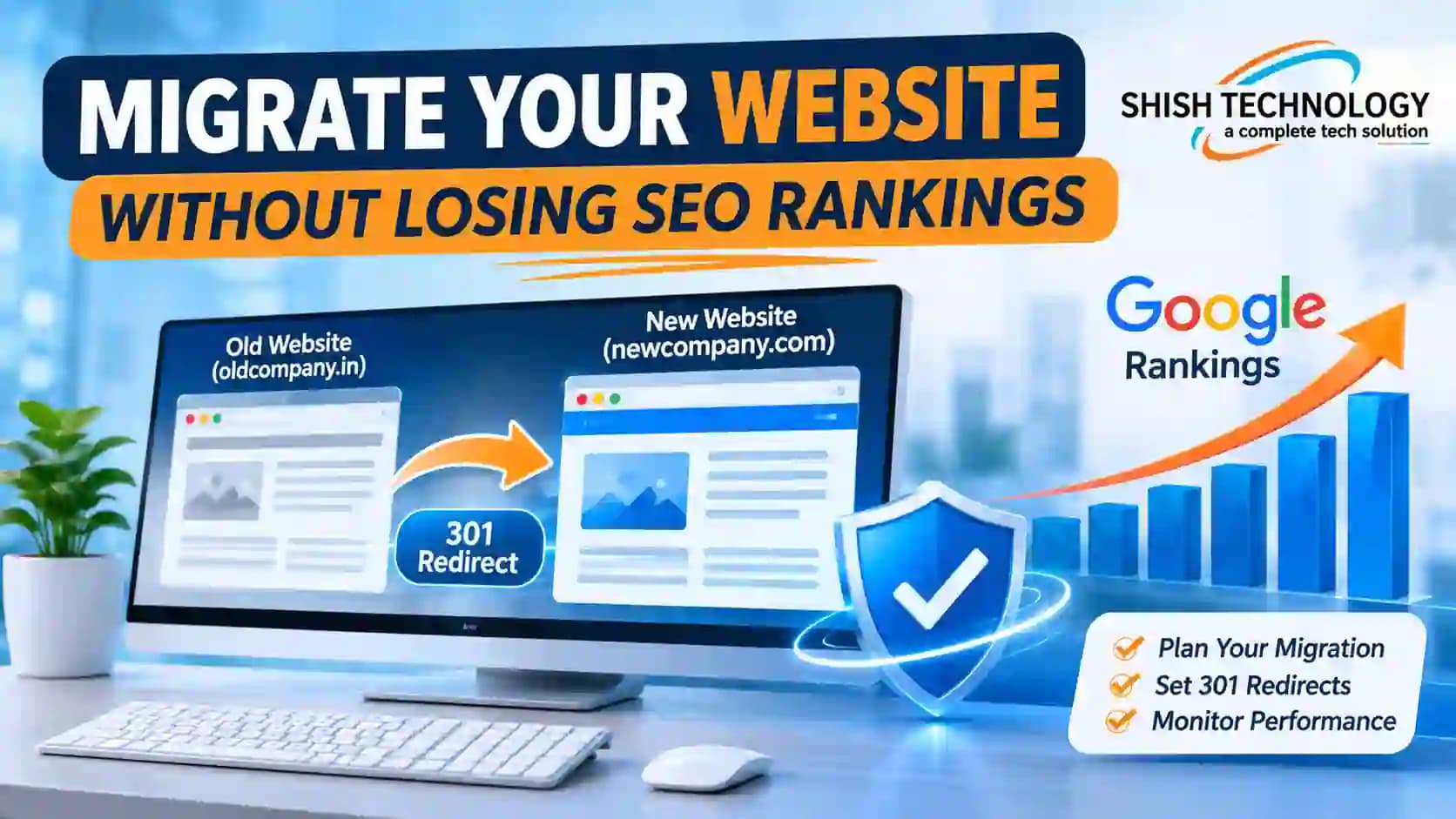
How to Migrate a Website Without Losing Google Rankings
Imagine spending three years building a wonderful shop on a busy street where hundreds of customers visit every day, and then suddenly moving your shop to a new address overnight without putting up a single direction board! Your regular buyers will walk up to your old locked door, feel confused, and go straight to your competitor's shop. That same disaster happens online when business owners launch a brand-new site without planning for website migration SEO. One small mistake during a website move can wipe out years of hard-earned Google rankings and cut your daily customer calls in half within forty-eight hours.
The great news is that upgrading your business website does not have to cost you a single visitor! A well-planned SEO migration acts like a smooth road bridge that guides both your human customers and Google’s search bots straight from your old web pages to your new ones without any confusion. When you know how to migrate a website without losing SEO rankings and follow a step-by-step SEO checklist for website migration, your website cannot just hold onto its current rank—it can actually climb even higher! With expert Shish Technology SEO services from Shish Technology—celebrated as the Best Digital Marketing company in Patna—you can upgrade your website design, speed, and domain name with 100% ranking safety.
What Is Website Migration in Simple Words?
In the digital world, a website migration happens whenever you make a big change to your website’s address, structure, design, or hosting platform that affects how Google finds and reads your pages.
Common types of website migrations include:
Domain Name Change: Moving from an old brand name or extension to a new one (for example, shifting from oldcompany to newcompany).
Platform or CMS Upgrade: Moving your website from an old custom PHP system or Wix to WordPress, Shopify, or a modern framework.
Website Redesign & Structure Change: Updating your site layout, changing menu categories, or cleaning up messy page links (URL migration SEO).
Protocol or Server Move: Shifting from unsecured HTTP to secure HTTPS, or moving your site to a faster cloud hosting server.
Whenever any of these changes take place, Google has to re-read your entire website. If you guide Google properly, your rankings stay rock-solid.
Why Websites Lose Google Rankings During a Move
Before jumping into the solution, look at the four main traps that cause websites to crash in search results right after a relaunch:
Broken Links (404 Errors): Old web links that rank on Page 1 of Google are deleted instead of being connected to the new pages, sending visitors to dead "Page Not Found" screens.
Missing Meta Tags & Content: Web designers accidentally delete high-ranking blog posts, service text, title tags, or H1 headings simply to make the new design look "minimal and clean."
Accidentally Blocking Google Bots: Developers put a noindex tag or a robots.txt block on the test site during development and forget to remove it when the site goes live—telling Google to erase the entire website from search results!
Slow Mobile Speed & Broken Internal Links: Heavy, unoptimized images and broken menu buttons on the new site hurt user experience and pull rankings down.
Step-by-Step Website Migration Checklist: Before, During & After Launch
To make sure your business never loses organic traffic, divide your website migration checklist into three clear phases: Preparation, Launch Day, and Post-Launch Monitoring.
Phase 1: Pre-Migration Preparation (Before You Move)
Never move a website on a whim! Spend one to two weeks preparing these five essentials before touching your live website:
Build a Complete List of All Current URLs: Use a website crawler tool (like Screaming Frog) and Google Search Console to download a full Excel sheet of every single page, blog post, and image link currently live on your website.
Identify Your Top-Performing Pages: Check Google Analytics to see which 20% of your pages bring in 80% of your visitors, leads, and sales. Also export a list of pages that have strong backlinks from other websites. These high-value pages must be protected at all costs.
Create Your 1-to-1 URL Redirect Map: This is the heart of URL migration SEO. Open an Excel sheet with two columns: Column A (Old URL) and Column B (New URL). Match every single old page to its exact matching page on the new website. Never redirect all your inner service pages lazily to the homepage—Google treats that as a broken link!
Keep Your Winning Content & SEO Tags: Copy over all proven Title Tags, Meta Descriptions, H1/H2 headings, Image Alt Text, and FAQ Schema from your old site to the staging (test) site. Do not change your website design and delete your SEO content at the same time.
Test Everything on a Private Staging Server: Build and test the new website on a password-protected staging link first. Keep the staging site blocked from Google so search engines do not get confused by duplicate pages before launch day.
Phase 2: Launch Day Execution (Going Live)
Always schedule your website launch during low-traffic hours (such as late evening or a Sunday night) so fewer visitors are affected while files switch over:
Switch On 301 Permanent Redirects: Upload your 301 redirect rules to the server. A 301 redirect tells Google permanently: "This page has moved to a new address; please pass all ranking power and visitors to the new link."
Remove All noindex Blocks Immediately: The minute your new website goes live, check your robots.txt file and page source code to ensure Google bots are 100% allowed to crawl and index every public page.
Submit Your New XML Sitemap: Log in to Google Search Console, upload your fresh XML Sitemap, and use the "Change of Address" tool if you are moving to a brand-new domain name.
Verify Tracking Codes: Double-check that your Google Analytics (GA4), Google Tag Manager, and contact form lead trackers are firing properly.
Phase 3: Post-Migration Audit (The First 30 Days)
Your job is not finished when the new website opens on your screen! The first two weeks after launch are critical for how to migrate a website without losing SEO rankings:
Fix 404 Errors & Redirect Chains Immediately: Run a fresh crawl of your live website within two hours of launch. If any old link shows a 404 error or bounces through multiple redirects (Page A to Page B to Page C), point it directly to the final destination page.
Monitor Google Search Console Daily: Check the Page Indexing and Crawl Stats reports every morning for two weeks to verify that Google is reading your new pages smoothly and phasing out the old URLs.
Check Mobile Speed & Core Web Vitals: Test your new site on Google PageSpeed Insights. Compress any oversized banner photos and make sure buttons, phone numbers, and WhatsApp links work smoothly on mobile screens.
Expect a Normal 2-Week "Google Dance": Do not panic if your rankings wiggle slightly for 7 to 14 days while Google processes the new sitemaps. When your 301 redirects and content are intact, rankings settle right back into place—and often climb higher thanks to faster site speed!
Why Trust Shish Technology for a Zero-Loss Website Migration?
While a checklist looks simple on paper, executing a live migration involves complex server rules, .htaccess coding, canonical tags, schema markups, and database mapping. When a regular graphic designer handles a website relaunch without technical SEO knowledge, businesses frequently lose 50% to 70% of their Google traffic overnight.
This is where Shish Technology protects your digital growth. Recognized across Bihar and India as the Best Digital Marketing company in Patna, Shish Technology combines expert web development with deep search engine mastery under one roof.
When you choose Shish Technology website migration services, our dedicated specialists manage every technical detail for you:
Complete Pre-Move SEO Backup: We audit and back up 100% of your existing keywords, meta tags, backlinks, and high-ranking content before a single line of code is changed.
Precision 301 URL Mapping: Our Shish Technology technical SEO team maps every old URL to its exact new counterpart, eliminating 404 errors, redirect loops, and lost link authority.
Speed & Mobile-First Optimization: We ensure your newly migrated site loads in under two seconds, passes Google Core Web Vitals, and converts more visitors into paying customers.
30-Day Post-Launch Ranking Watch: Through ongoing Shish Technology SEO services, we monitor your Google Search Console, crawl logs, and daily keyword positions for a full month after launch to guarantee smooth, uninterrupted business growth.
Upgrade Your Website Safely with Shish Technology Today
Moving to a faster, modern, and more attractive website should push your business forward, never pull your hard-earned Google rankings backward. By auditing your top pages in advance, mapping 1-to-1 permanent 301 redirects, preserving your winning SEO content, and monitoring Google Search Console closely, mastering website migration SEO becomes completely stress-free. Do not risk your daily customer leads by leaving a technical migration to guesswork.
Connect with Shish Technology—the Best Digital Marketing company in Patna—and let our Shish Technology website migration services team deliver a smooth, ranking-safe upgrade for your business today!
Frequently Asked Questions (FAQs)
Will my website lose rankings temporarily after a migration?
A minor fluctuation for 1 to 2 weeks is completely normal while Google re-crawls your new URLs and processes 301 redirects. However, when you follow a strict SEO checklist for website migration, your traffic recovers quickly and often grows higher than before.
What is the difference between a 301 redirect and a 302 redirect during migration?
A 301 redirect is a permanent move that transfers 95% to 99% of your old page's Google ranking power to the new page. A 302 redirect is only temporary and does not pass SEO value properly. Always use 301 redirects for permanent website migrations.
How long should I keep 301 redirects active after migrating my website?
You should keep your 301 redirects active for at least 12 to 18 months (and ideally permanently), so that old customer bookmarks, external backlinks, and Google bots always land on your active pages.
Can I redesign my website and change all my URLs at the same time?
If your current URLs are already clean and ranking well on Google, keep the exact same URL structure during a redesign! Only change URLs when it is strictly necessary for rebranding or fixing broken site architecture.